HomeArticlesVideosCoursesAbout Me
Educational Content

Videos and educational material

Short videos and longer educational content about artificial intelligence, tech and digital transformation.

25 videos

ChatGPT vs Gemini vs Claude for Deep Research (2026)9:33
Deep ResearchChatGPTGeminiClaudeAI ToolsAI for BusinessAI ResearchHallucinationsAI for BeginnersHvitravnur

ChatGPT vs Gemini vs Claude for Deep Research (2026)

ChatGPT, Gemini and Claude all offer a deep research mode: ask a question, wait a few minutes, get back a structured report with sources. In this video I give all three tools the same research question and walk through each one in turn; the choices you make before the run, what happens while it works, and what comes back. Then the part that matters most: a ten-minute routine for checking any AI research report for hallucinated claims and weak references. No rankings, the checking method matters more than the tool choice. Prompt used for the reports: β€œDescribe the current sustainability reporting requirements for mid-sized EU companies, including recent changes, with a source for every claim.” ⏱ Timestamps: 00:00 Hook 00:58 What research mode actually does 02:05 The brief and the ground rules 03:07 ChatGPT 04:13 Gemini 05:12 Claude 06:17 Hallucination and reference checking 08:12 Closing overview πŸ”— Related Videos: πŸ“Ί Company vs GUI vs model – different AI tools and what sets them apart: https://youtu.be/zet9KPHvwnI πŸ“Ί NotebookLM – the AI that only answers from your sources: https://youtu.be/69pdnHtSYGQ πŸ“Ί What is AI? Practical answers for beginners: https://youtu.be/UwScNZmdFJo 🌐 Website: hvitravnur.com #AITools #DeepResearch #ChatGPT #Gemini #Claude #AIForBusiness #AIResearch #AIForBeginners #Hvitravnur

10 AI Prompts for Managers: Delegation, Feedback, Planning11:19
AI for ManagersManagementLeadershipPrompt EngineeringChatGPTClaudeCopilotGeminiProductivityHvitravnur

10 AI Prompts for Managers: Delegation, Feedback, Planning

AI can take over a large share of management admin if you prompt it with real context. In this video I share 10 ready-to-use prompts for the management work that eats your calendar: delegation briefs, feedback prep, difficult conversations, performance reviews, quarterly planning, prioritization, and one-on-ones. I use different AI tools such as Copilot, Claude, ChatGPT and Gemini for the prompts, as the methods are tool agnostic. ⏱ Timestamps: 00:00 Hook 01:05 Segment 1: Delegation (Prompts 1-3) 03:50 Segment 2: Feedback (Prompts 4-6) 06:35 Segment 3: Planning (Prompts 7-8) 08:30 Segment 4: One-on-Ones (Prompts 9-10) 10:05 Closing overview πŸ“‹ All 10 Prompts (copy & adapt): 1. Delegation brief: "You are an experienced manager who delegates well. I need to hand over [task] to [name], who is [experience level + current workload]. Deadline: [date]. Constraints: [budget, tools, dependencies]. Write a delegation brief covering: the outcome I expect, why the task matters, what is in and out of scope, which decisions they can make alone vs. check with me, check-in points, and what 'done' looks like. Under 300 words." 2. Task-to-person matching: "Here are the tasks I need to delegate this month: [list]. My team: [name, role, strengths, current load, development goal for each]. Propose who gets what. For each match: routine or stretch assignment, what support they will need, and flag anything I am holding onto that someone else should take over." 3. Check-in without micromanaging: "I delegated [task] to [name] two weeks ago; deadline [date]. I want to know whether it is on track without hovering. Draft five check-in questions that surface blockers, risks, and decisions they need from me. Then draft a two-line status request in whatever format takes them the least time." 4. Observation to feedback: "You are a coach who insists feedback describes behavior, not personality. I need to give feedback to [name]. What I observed: [specific situations, what happened, impact]. Structure this into feedback I can say out loud: situation, behavior, impact, and an open question that starts a conversation. Flag anything that is a judgment rather than an observation, and rewrite it." 5. Difficult conversation rehearsal: "I need to tell [name] that [difficult message]. They will likely react with [defensiveness / disappointment / counterarguments]. Role-play the conversation. You play them, push back realistically. Afterwards, break character and tell me where my wording was vague, where I softened the message into ambiguity, and what I left unanswered." 6. Performance review draft: "Here are my anonymized notes on this person's year: [wins, misses, feedback given, peer input]. Draft a performance review that is balanced and specific: contributions with concrete examples, development areas stated plainly without euphemism, and a forward-looking section. Flag every claim that has no example behind it." 7. Goals to team plan: "You are a planner who distrusts optimistic plans. My team's goals for the quarter: [goals]. My team: [size, roles, known absences, and ongoing commitments such as support, maintenance, recurring meetings]. Turn this into a quarterly plan with milestones and who does what, plus a capacity check: what share of each person's time the plan assumes vs. what is available after the ongoing work. If it does not fit, show me what to cut. Do not compress the estimates." 8. Prioritization with explicit criteria: "Everything on my team's plate: [list]. Force-rank it against these criteria: [customer impact, revenue, risk, effort]. Show a table with a score per criterion. Then: which items should we stop doing entirely, and where does the table most disagree with my gut ranking? Argue the table's case." 9. 1:1 agenda: "My 1:1 with [name] is tomorrow, 30 minutes. Raw material: [last 1:1 notes, recent messages, observations]. Their development goal: [goal]. Build an agenda: open threads from last time, one topic bigger than status, and one question about their development goal. Status goes last, five minutes. If the agenda is mostly status, tell me and rebalance it." 10. Notes to decisions and responsibilities: "Here are my raw notes from [meeting]: [notes]. Extract three lists: decisions (stated as decisions), actions (one named person responsible and a date each), and open questions (with who answers them). Flag anything that looks like an action but has nobody responsible for it." πŸ”— Related Videos: πŸ“Ί AI Prompts for Project Management: https://youtu.be/7I6OFgHrbPY πŸ“Ί Prompt Engineering: How to Actually Get Useful Results from AI: https://youtu.be/GpEz2__Km4s πŸ“Ί What is AI? Practical answers for beginners: https://youtu.be/UwScNZmdFJo πŸ“Ί How to set up autonomous AI agents safely: https://youtu.be/IdiIAV3ZNbE 🌐 Website: hvitravnur.com #AIForManagers #Management #Leadership #PromptEngineering #ChatGPT #Claude #AITools #Productivity #Hvitravnur

AI Agents Explained: For Business People, Not Engineers15:49
AI AgentsAI for BusinessMCPConnectorsChatGPTClaudeCopilotIT SecurityDigital TransformationHvitravnur

AI Agents Explained: For Business People, Not Engineers

What is an AI agent? This explainer is for managers and business people, not engineers. I go through what an agent technically consists of, why agent capabilities are appearing inside the chat tools your company already licenses (and what connectors and MCP mean), what agents cost from a company perspective β€” license fees and token-based consumption, and the cost lines vendors skip β€” the five security questions to ask before an agent touches your systems, and which tasks in your team are suitable to delegate. If you keep hearing "agents" in vendor meetings and IT proposals without a clear definition, this video gives you the working understanding to evaluate what you are being sold. An agent is three parts: a language model (text in, text out β€” nothing else), the tools it may call, and a coordinating program that executes the task step by step. Agent capabilities arrive as feature updates inside existing licenses β€” ChatGPT sending email from chat, connectors in Claude and Copilot 365 β€” often without a conscious purchase decision, and MCP is the open standard those connectors run on. Costs are license fees plus consumption metered in tokens; they scale with usage, not headcount, so caps and monitoring belong in every rollout. The five security questions: what can it reach, read or write, what needs approval, where does data go, and is there a log β€” plus the unsolved risk of prompt injection. Suitable tasks are digital, have a clear definition of done, and a checkable result β€” the band between brittle rule-based automation and real judgment work.

What can you do with NotebookLM? Google's free research tool14:12
NotebookLMGoogle AIAI ToolsAI for BeginnersFree AI ToolsProductivityGeminiAI for BusinessHvitravnur

What can you do with NotebookLM? Google's free research tool

Every chatbot answers from memory β€” confidently, and sometimes completely wrong. NotebookLM does the opposite: you hand it the sources, and it answers only from those, with citations pointing to the exact passage. It is made by Google, and the version in this video is free. I walk through what makes NotebookLM different from ChatGPT, Gemini and Claude, tour the interface, and work through three real use cases: learning a new professional field from scratch, preparing for a meeting that matters, and making long recordings searchable. Plus the honest caveats β€” including the one about your data that most videos skip. NotebookLM answers only from sources you upload, and every answer carries citations you can click and check; if the answer is not in your sources, it says so. Google is the company, Gemini is the model, NotebookLM is the app β€” same engine as the Gemini chatbot, built for a completely different job. The free tier is the real product: notebooks, sources, chat, mind maps, quizzes and Audio Overviews included, with paid tiers mostly raising the quotas. Long recordings like earnings calls, webinars and lectures become searchable documents you can question. Think before you upload: public material is fine on a personal account, but confidential client data belongs in an enterprise setup, not your personal notebook.

How to Set Up Autonomous AI Agents Safely16:27
AI AgentsAI SafetyAutomationAI ToolsTech for BeginnersPrompt InjectionAI for BusinessHvitravnur

How to Set Up Autonomous AI Agents Safely

Letting an AI agent work on its own sounds risky, and the fear is reasonable: nobody wants software deleting files, sending emails, or spending money without asking. In this video I explain what an agent actually is, a language model making probabilistic decisions inside a loop of ordinary code, and then set up four real autonomous agents, from a harmless research task to grocery shopping, showing exactly where the safety settings sit and where every serious tool stops and asks a human. An agent is a language model wrapped in ordinary code: the model decides, the code executes, and all the real power sits in the tools you hand it. Because its decisions are statistically informed guesses, control comes from limiting tools and requiring confirmations, not from hoping it decides well β€” autonomy ends where irreversibility begins, so purchases, sending and deleting stay behind a human yes. I cover the four rules (least access, ask before irreversible actions, read the receipts, trial period), walk through a read-only researcher, a scheduled night-shift agent, an email agent that drafts but cannot send, and a grocery agent that stops at checkout, and explain prompt injection in plain language. No coding needed. If you can use email and a browser, you can do everything shown here.

Codex vs Cowork: Why You Cannot Really Compare Them11:03
CodexCoworkClaude AIChatGPTOpenAIAnthropicAI AgentsMCPAI ToolsAI for BusinessDigital TransformationAI for Beginners

Codex vs Cowork: Why You Cannot Really Compare Them

Everyone who has tried both wants to know which is better β€” Claude Cowork or the OpenAI Codex app. It is the obvious question, and it is the wrong one. These two AI agents do almost the same job on your computer, so the real choice is not which one wins, but which one fits how you work. Here is where they actually differ, and a simple way to pick. Codex and Cowork do the same core job β€” an AI agent on your own computer, for people who do not write code β€” so the useful question is fit, not "better". Cowork is a tab inside the Claude desktop app; Codex is its own standalone application. The biggest difference is how you extend them: Cowork keeps connectors in the interface and routes them through Anthropic's cloud (remote connectors only), while Codex keeps its setup in a config file, offers a plugin marketplace, and can run a connection locally or remotely. Codex is on every ChatGPT plan, including free; Cowork needs a paid Claude plan. Sandboxing, approvals and phone control work in much the same way in both. Different model families power them, but for everyday work the app around the model matters more than the model itself.

What is Codex and How to Use It12:55
CodexOpenAIAI AgentAI ToolsAI for BusinessAutomationAI ProductivityTech for Non-TechiesDigital Transformation

What is Codex and How to Use It

What is the Codex app, and how do you actually use it? In this beginner-friendly walkthrough I show you what OpenAI's Codex desktop app is, how it works, and how to set it up safely, so you can use an AI agent on your own computer without being a programmer. If you have wondered how to use Codex for everyday work like documents, data analysis and scheduled tasks, this is your starting point. We cover what the Codex app is and where it came from, how to install and set it up, the sandbox and approval settings that keep you safe, and the building blocks: skills, MCP, plugins and automations. Then we go through real use cases and how to control the app from your phone.

Coding With AI, Explained for Beginners14:17
Learn to CodeAI CodingClaude CodeGemini CLICodexCoding for BeginnersAI ToolsProgrammingVibe CodingSoftware Development

Coding With AI, Explained for Beginners

Coding doesn't mean typing every line yourself anymore. If you've learned the basics and want to know how programming actually works now, this is the video. I'll show you how to write real code using AI tools β€” specifically CLI coding agents like Claude Code, Gemini CLI and Codex β€” without handing over control or pretending you don't need to understand what you're building. This follows directly on from my How to think like a coder and Get started coding videos, so watch those first if you haven't. No fluff, no gatekeeping. Just how it's done.
When to Use No-Code (And When to Actually Code)6:11
No-CodeNo-Code AutomationZapierMaken8nPower AutomateAirtableBusiness AutomationCitizen DeveloperLow-CodeTech for Non-Techies

When to Use No-Code (And When to Actually Code)

Talking to people around me about no-code tools β€” Zapier, Make, n8n, Power Automate β€” I keep noticing a stigma. A quiet sense that using these tools is somehow less serious, less smart, less "real" than coding from scratch. It's not. No-code is about solving the problem in front of you with the tools available, without eating into IT's time for something you could handle in an afternoon. In this video I take that stigma apart β€” where it comes from, what the tool landscape actually looks like, and a simple framework for deciding when no-code is the right call and when you should genuinely reach for code.

Company, Model, App β€” The 3 Layers Behind Every AI Tool22:43
AI ToolsAI for BusinessAI for LeadersChatGPTClaudeGeminiCopilotCopilot CoworkAnthropicFoundation ModelsAI Comparison

Company, Model, App β€” The 3 Layers Behind Every AI Tool

If you have ever heard someone compare ChatGPT and Microsoft Copilot β€” and felt the comparison was a bit off β€” this video is for you. We use the words "company", "app" and "AI model" interchangeably, and it is costing us clarity in conversations, in vendor evaluations, and in procurement decisions. In this video I break down the three layers β€” company, foundational model, and graphical user interface β€” explain what a foundational model actually is, map the big four players including the brand-new Microsoft–Anthropic Copilot Cowork story, show how to identify which model powers an app, and close with a simple framework for picking the right tool for the right job.

AI Control Strategies: Keeping AI in Check5:33
AI ControlAI SafetyAI GovernanceAI AlignmentEU AI ActAI Risk ManagementAI for LeadersAI for Business

AI Control Strategies: Keeping AI in Check

Almost everything you hear about AI safety is about one idea: alignment, making the model want the right things. But there's a second question the labs obsess over and almost nobody else explains. What do you do if the model doesn't want the right things, or you simply can't tell? That's AI control. In this video I break down the difference between alignment and control, how researchers keep a powerful model in check even when they can't trust it, and why the exact same logic is how you should be governing AI inside your own organization.

Programming Basics in 25 Minutes β€” For People With No Tech Background25:00
ProgrammingPythonRustVS CodeCoding for BeginnersLearn to CodeTutorial

Programming Basics in 25 Minutes β€” For People With No Tech Background

Want to learn how to code but have no idea where to start? This is your starting point. In this beginner-friendly walkthrough, I cover what programming actually is, the core terminology every coder uses, the philosophy behind different programming languages, and how to write your first programs in Python and Rust β€” all using a simple cake-baking analogy. No jargon. No gatekeeping. Just the foundations you need before any of the millions of "learn to code" tutorials online start making sense.

I Built an Options Model With Codex and Claude Code9:54
Claude CodeCodexAI CodingOptionsBlack-ScholesFinancial ModelingDeveloper ToolsTutorial

I Built an Options Model With Codex and Claude Code

Build a working options pricing model using two AI coding tools β€” Codex to plan the project, Claude Code to implement it. This walkthrough shows a planning-first AI coding workflow: how to structure a project before writing a single line, then hand the spec to a coding agent and get a clean, modular options model out the other side. If you have wondered how Codex and Claude Code differ in practice, or whether AI can actually build something more complex than a single script β€” this is a real, end-to-end build.

Will AI Take Your Job?26:30
AI JobsFuture of WorkJob DisplacementCareer AdviceAI for BusinessAI UpskillingWorkplace AI

Will AI Take Your Job?

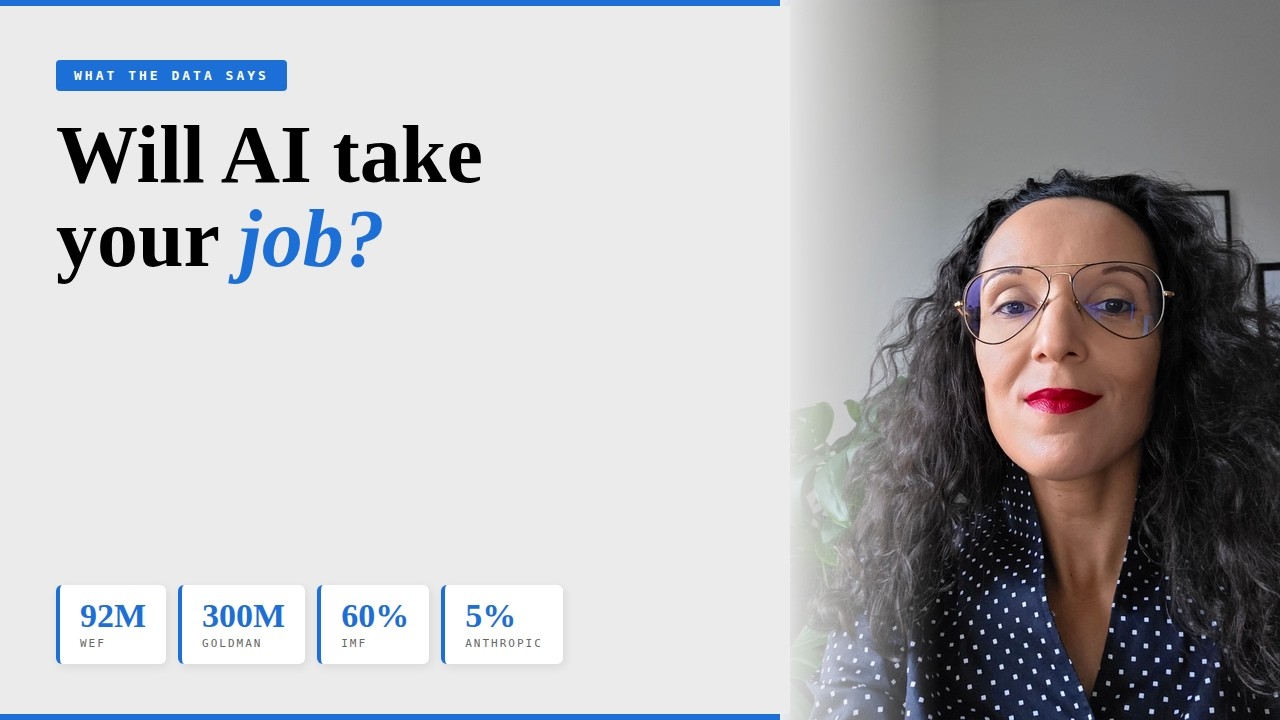
Will AI take your job? Maybe. But most of the headlines are selling panic, not signal. In this video I go through what the research actually says β€” WEF, IMF, Goldman Sachs, Challenger Gray, and Anthropic's own March 2026 study β€” which roles are genuinely at risk, which aren't and why, and what to do if yours is on the list. No fluff, no doomscrolling. From a state of worry to a clear-eyed view of where you actually stand.

Claude CoWork: Complete Beginner Guide (Setup, Use Cases & Dispatch)11:42
ClaudeCoWorkAI AgentAI ToolsAutomationAnthropicTutorial

Claude CoWork: Complete Beginner Guide (Setup, Use Cases & Dispatch)

CoWork is Anthropic's desktop AI agent β€” and it's not just another chatbot. This video is a practical walkthrough of what CoWork actually is, how it differs from Claude Chat and Claude Code, and how to set it up and use it for real productivity tasks.

Why Smart People Feel Stupid Around AI4:53
AIArtificial IntelligenceAI for BeginnersMachine LearningAI LiteracyDigital Transformation

Why Smart People Feel Stupid Around AI

A retired bridge engineer told me he was probably too old to understand AI. That struck a chord. This man studied more math than most of us ever will, and society had convinced him AI wasn't for him. In this video I break down why smart people feel dumb around AI, what the math behind it actually is (you may already know it), and why the jargon exists in the first place β€” because complexity sells courses, and mystification creates dependency.

Why I Stopped Modeling in Excel9:13
Financial ModellingExcelPythonSQLiteClaude CodeAI ToolsFP&ADigital TransformationFinance

Why I Stopped Modeling in Excel

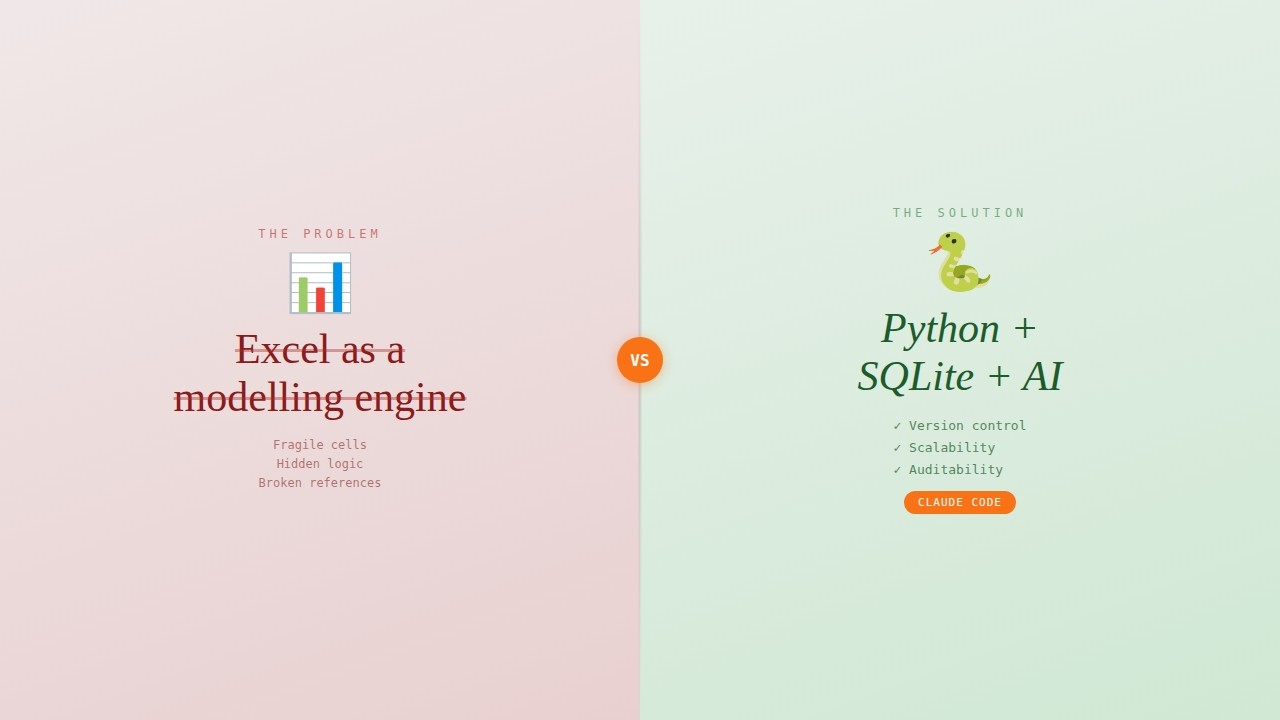
Excel mixes data, logic, and presentation into one fragile layer β€” that's a structural problem, not a user error. In this video, I rebuild a financial model from Excel into Python + SQLite + GUI using Claude Code, showing how separating concerns makes your model auditable, scalable, and maintainable. You don't write the code β€” Claude Code does. Your job is structured thinking.

AI for Project Managers: 10 Prompts I Use on Real Projects12:56
AIProject ManagementPrompt EngineeringProductivityChatGPTClaude

AI for Project Managers: 10 Prompts I Use on Real Projects

AI tools can save project managers hours every week β€” but only if you know how to prompt them properly. This video shares 10 specific, ready-to-use prompts for the project management tasks that eat up most of your time: planning, risk assessment, stakeholder communication, and status reporting. Each prompt uses the PCG framework (Persona, Context, Goal) and is designed for real project work.

Prompt Engineering: How to actually get useful results from AI11:20
Prompt EngineeringAIChatGPTClaudeProductivity

Prompt Engineering: How to actually get useful results from AI

Prompt engineering sounds technical, but it's really just clear communication applied to a new kind of collaborator. This video breaks down the PCG framework (Persona, Context, Goal) and two techniques that will genuinely change how you work with AI tools like ChatGPT, Claude, Copilot, and Gemini.

I Built My Own AI Agent β€” Here's How11:56
AI AgentsLangChainOpenAIPythonAutomationGmail APITutorial

I Built My Own AI Agent β€” Here's How

Build your own AI agents that actually do things. In this hands-on tutorial, we write Python code from scratch to create a Gmail assistant using OpenAI's API and LangChain that can summarize emails, send messages, and check your calendar.

Creating a website from scratch with Claude Code8:40
Claude CodeAIWeb DevelopmentNo CodeAgentic CodingTutorial

Creating a website from scratch with Claude Code

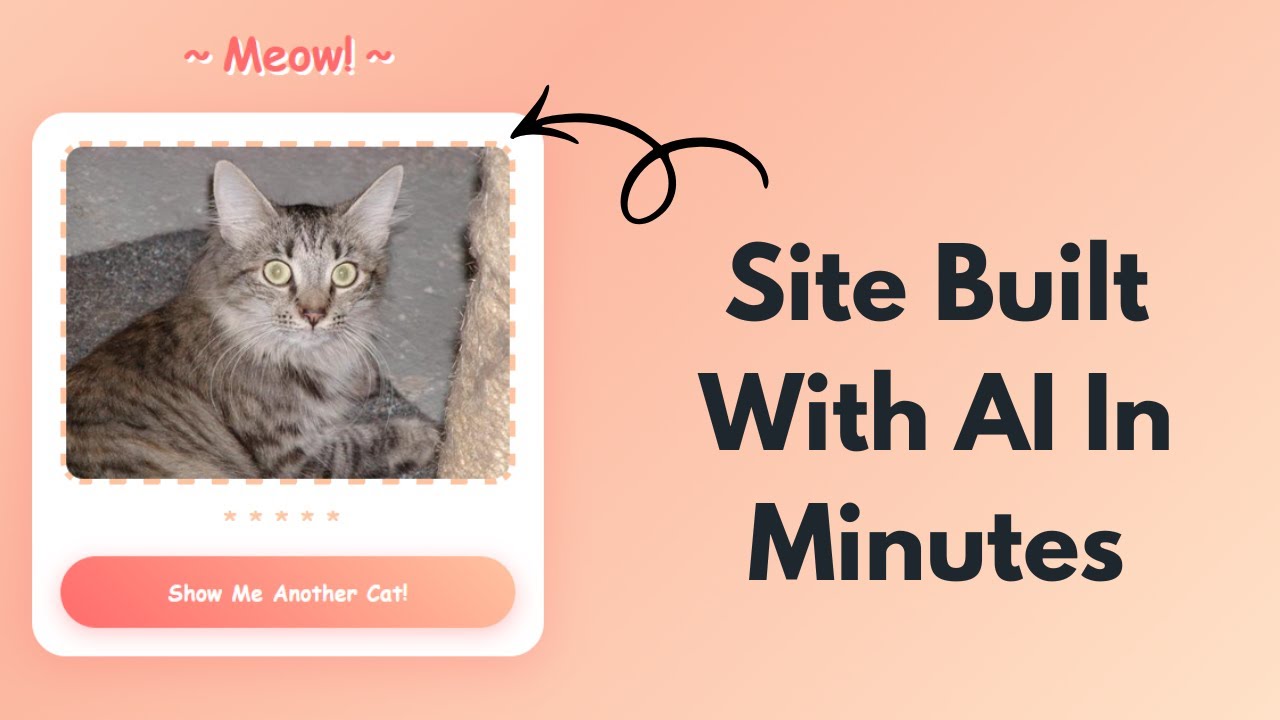
This website took me ten minutes to build β€” and I didn't write a single line of code. But my first attempt with Claude Code? Messy files, broken layouts, and code that did things I never asked for. The difference between frustrating results and actually useful output comes down to how you set things up. In this video, I walk you through the exact workflow that changed everything β€” from empty folder to working website, step by step.

How to Think Like a Coder – The Mental Model Beginners Miss9:10
CodingProgrammingTechBasicsLearnToCodeAlgorithmsDigitalLiteracyTechnology

How to Think Like a Coder – The Mental Model Beginners Miss

From your phone to your washing machine, everything runs on the same fundamental logic. In this video, I break down the core concepts that power every piece of technology you use β€” no coding experience required. Whether you're curious about tech, considering learning to code, or just want to understand what's happening behind the screens you use every day, this video gives you the foundation.

3 AI mistakes leaders make that costs them millions4:08
AILeadershipDigital TransformationBusiness StrategyAI Implementation

3 AI mistakes leaders make that costs them millions

80% of digital transformation projects fail, and AI initiatives are particularly vulnerable. In this video, I break down the three most common AI mistakes quietly draining company budgets, and share practical strategies to protect your organization from repeating them. Whether you're a business leader, consultant, or part of a digital transformation team, understanding these pitfalls can save you significant time, money, and frustration.

What is AI? Practical answers for those with non-technical background13:57
AIArtificial IntelligenceGenerative AIPrompt EngineeringAI for non-codersHow to start with AI

What is AI? Practical answers for those with non-technical background

This is a hands-on, no bullshit walkthrough of the different meanings of artificial intelligence for people who do not have a tech background and need a starting point to their AI journey.

AI in large companies and your future career5:16
Artificial IntelligenceAI

AI in large companies and your future career

How do large cap companies work with IT projects and AI? How will AI implementations at these companies affect your career, and what can you do about it?